

Beskriuwing
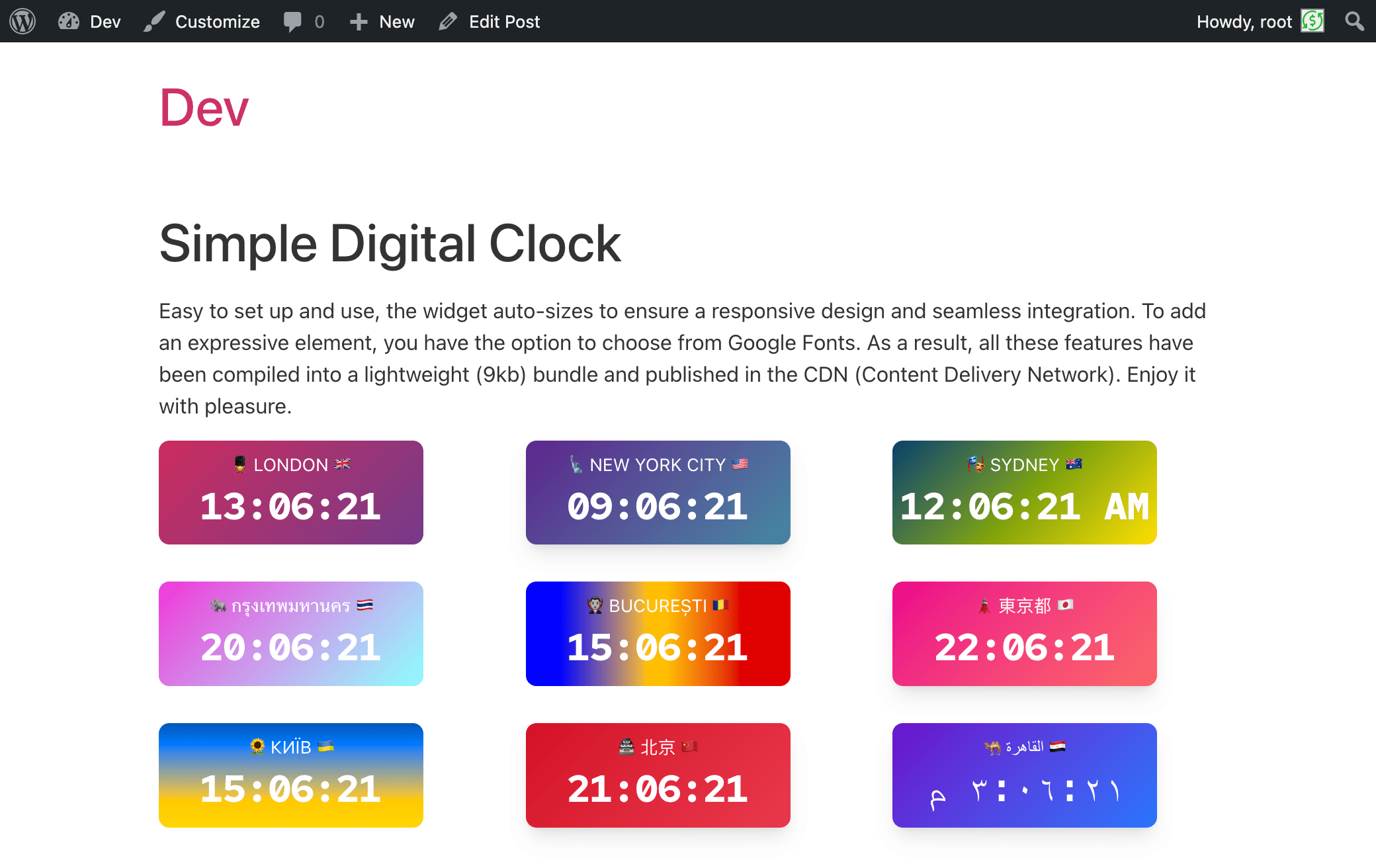
It is 🪄 a magical and easy-to-use digital clock with a beautiful UI, supporting multiple languages, locales, dates, captions, and time zones.
📌 Description
The Digital Clock Widget – the perfect addition to your website! This sleek and minimalist digital clock Gutenberg block (widget) offers a quick and easy way to display the current time on your site. With its clean design and unobtrusive style, it seamlessly blends into any webpage. Whether you’re running a blog, an e-commerce store, or a personal website, our widget keeps your visitors informed with accurate, real-time information. Easy to install and highly customizable, it’s the ideal choice for adding a touch of professionalism to your online presence. Upgrade your website today with the Simple Digital Clock Widget and keep your audience in sync with the times!
Live demo👀 | CodePen playground👀
⭐️ FEATURES ⭐️
- 🚀 Lightweight (~11.2 KiB gzip)
- 🗣 Locale support (BCP-47, e.g.,
en-US,uk,de-DE) - 🌐 IANA time zones (e.g.,
Europe/Kyiv,UTC) - 📝 Custom caption
- 🎨 Styling: color/gradient, radius, shadows
- 🔢 24-hour or AM/PM, ⏱ seconds, ⏱️ optional hundredths of a second, 📅 date
- 🔒 SSL-friendly, 📱 responsive, 🔍 SEO-friendly
- 💯 Free, no ads
How it works
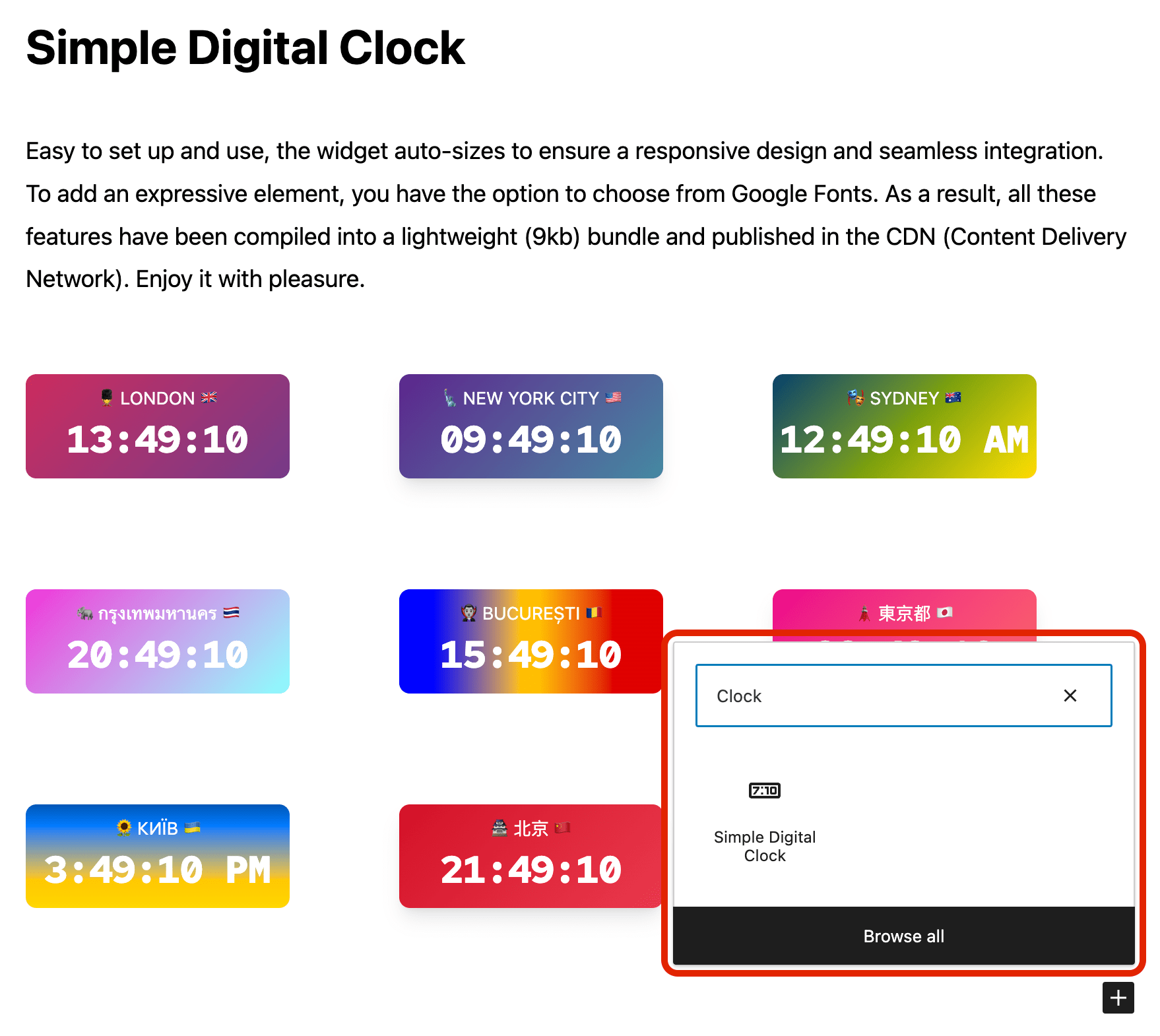
- Add the Simple Digital Clock block in the editor or as a widget.
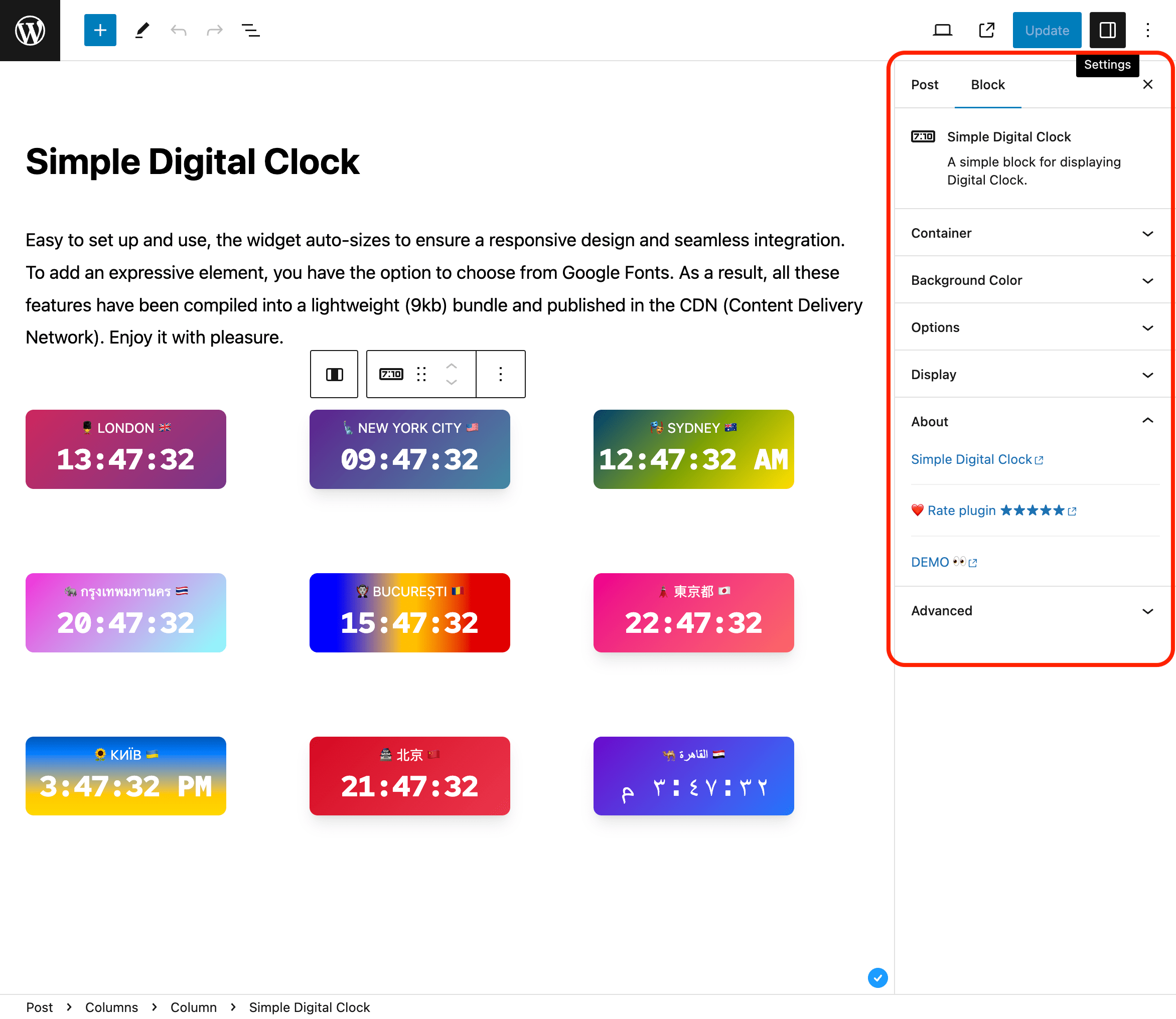
- Configure in the right sidebar:
- Locale (e.g.,
en-US,uk,fr-FR) - Time Zone (IANA ID, e.g.,
Europe/Kyiv,America/New_York,UTC) - Seconds, Hundredths, Date, 24-Hour (AM/PM), Caption
- Background/gradient, border radius, shadow, and font
- Locale (e.g.,
Hundredths shows two fractional digits after the seconds for clocks that need finer visual precision. Hundredths automatically include seconds while enabled. Note: the browser may not render every 10 ms increment.
📌 Installation
= From your WordPress dashboard =
1. Go to Plugins Add New
2. Search for “Simple Digital Clock”
3. Install & Activate
4. Insert the block in the editor or add it as a widget (/wp-admin/widgets.php)
From WordPress.org
- Download “Simple Digital Clock”
- Upload to /wp-content/plugins/
- Activate
- Insert the block / add the widget
Source / Development
The production JavaScript bundled with this plugin is built from the public Simple Digital Clock Widget source.
- Source repository: https://github.com/Timenow-zone/Simple-Digital-Clock-Widget
- Bundled upstream version: 0.7.0
- Exact source for this bundled release: https://github.com/Timenow-zone/Simple-Digital-Clock-Widget/tree/v0.7.0
To reproduce the production bundle:
npm cinpm run build
🍩 Donations
🕒 Sync Time: UTC
🗓️ Today’s Date: TodaysDateNow
Skermôfbyldings


Blokken
Dizze plugin jout 1 blok.
- Simple Digital Clock Block Widget Block
FAQ
Can I set a custom locale (e.g., `uk` or `en-GB`)?
Yes. Use the Locale field and enter any valid BCP-47 tag.
How do I pick the time zone?
Use the Time Zone field and select any valid IANA ID (e.g.,
Europe/Kyiv,UTC).Can I show hundredths of a second?
Yes. Enable “Hundredths of a second” in the block settings. It shows two fractional digits and automatically includes seconds while enabled.
Can I use my own fonts?
You can choose from built-in mono fonts (Google Fonts) or keep the system font.
24-hour format
Yes. You can enable 24-hour time for any locale. Toggle 24-Hour in the block settings. For 12-hour time with AM/PM, turn it off.
Can I show different locales and time zones on the same page?
Yes. Each block is independent—set its own locale and time zone.
Is it fast?
Yes. The bundled clock widget is about 11.2 KiB gzip and is served locally without a runtime JavaScript CDN dependency.
Resinsjes


Meiwurkers & amp; Untwikkelders
“Simple Digital Clock 🕒” is iepen boarne software. De folgjende minsken hawwe bydroegen oan dizze plugin.
Meiwurkers
“Simple Digital Clock 🕒” is oerset yn 8 lokaasjes. Tank oan de oersetters foar harren bydragen.
Oersette “Simple Digital Clock 🕒” yn jo taal.
Ynteressearre yn ûntwikkeling?
Blêdzje troch de koade , besjoch de SVN-repository , of abonnearje op it ûntwikkelingslogboek troch RSS .
Feroaringslog
1.1.1
- Fixed the clock block layout so it stays correctly positioned within WordPress content containers and block themes.
1.1.0
- Added optional hundredths-of-a-second display.
- Updated bundled Simple Digital Clock Widget to 0.7.0.
- Updated live demo and source-code documentation.
1.0.5
- Migrated the clock block to Block API version 3 for compatibility with the iframe block editor: the clock preview now renders inside the WordPress 7.1 editor canvas.
- Verified compatibility with WordPress 7.1.
1.0.4
- Verified compatibility with WordPress 7.0.
- Added isolated upgrade-path testing from the public 1.0.3 release.
- Added WordPress 7 smoke coverage across PHP 8.2, 8.3, 8.4, and 8.5.
1.0.3
- Updated: POT file.
1.0.2
- Fix: Minor bugs fixed.
1.0.1
- Fix: JavaScript issue resolved.
1.0.0
- New: Stable release published.
- New: 24-hour time format option.
0.2.1
- Fix: Minor bugs fixed.
0.2.0
- Enhancement: Clock JavaScript updated.
- Fix: Minor bugs fixed.
0.1.1
- Fix: Minor bugs fixed.
0.1.0
- Initial release.