

Beskriuwing
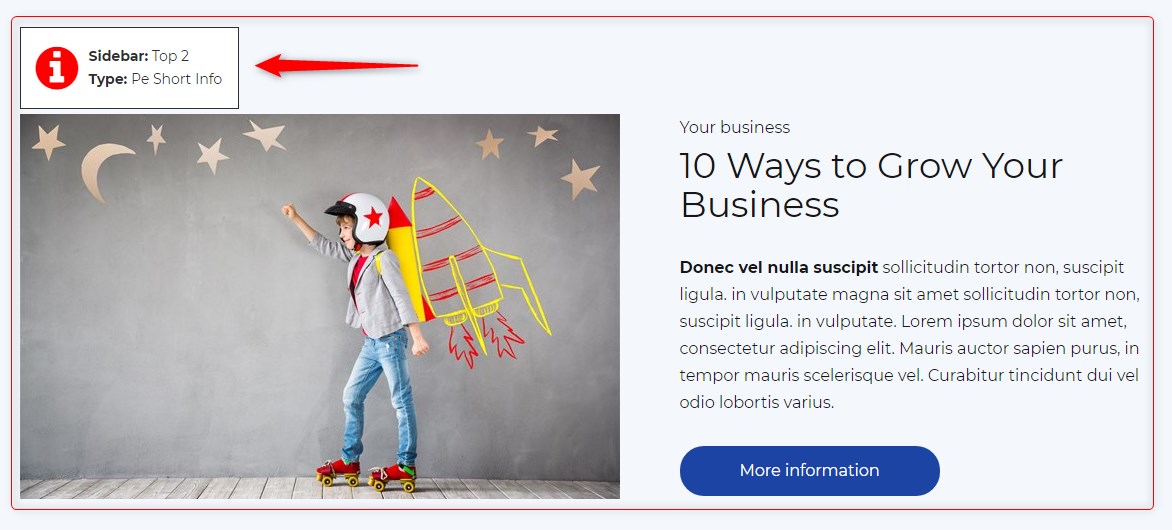
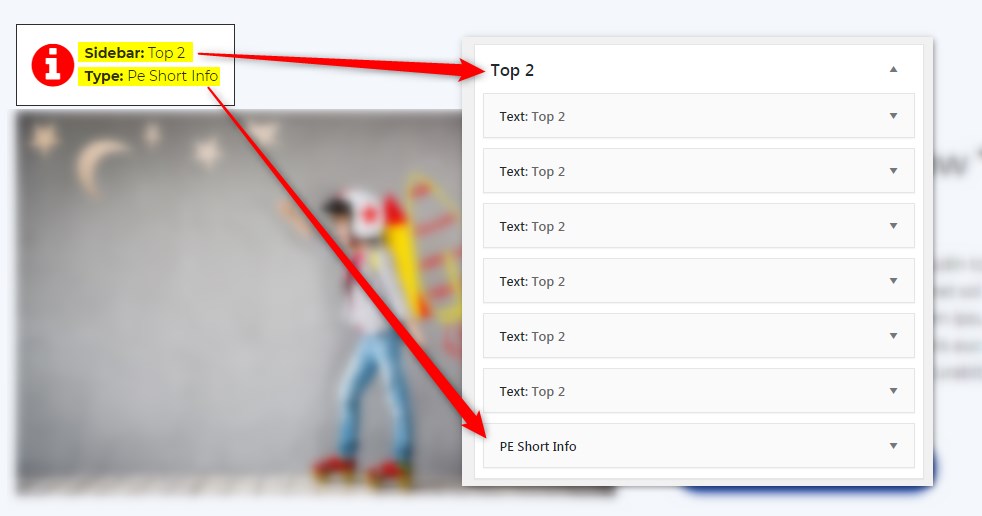
Get info about visible sidebars and widgets types and easily find them in the dashboard in Appearance -> Widgets
Skermôfbyldings
Ynstallaasje
- In your admin panel, go to Plugins -> Add New and click the Upload Plugin button.
- Click Choose File, then select the plugin ZIP file. Click Install Now.
- Click Activate to activate the plugin.
Resinsjes
D’r binne gjin resinsjes foar dizze plugin.
Meiwurkers & amp; Untwikkelders
“PE Theme Elements Info – get info about sidebars and widgets types” is iepen boarne software. De folgjende minsken hawwe bydroegen oan dizze plugin.
Meiwurkers
Oersette “PE Theme Elements Info – get info about sidebars and widgets types” yn jo taal.
Ynteressearre yn ûntwikkeling?
Blêdzje troch de koade , besjoch de SVN-repository , of abonnearje op it ûntwikkelingslogboek troch RSS .
Feroaringslog
1.10
- Added information about menus
- Fixed possible incorrect widget names in sidebars
- By default information about widgets or menus on the page will be displayed only for logged-in administrators