

Beskriuwing
CBX Changelog & Release Note helps you create and display well-organized changelogs for your WordPress themes, plugins, or digital products.
Keep your users informed about every update, improvement, and fix — directly inside your WordPress site.
This plugin lets you easily add, manage, and showcase version histories with a clean interface and developer-friendly structure.
🧩 Developed by Codeboxr
📺 Live Demo
📚 Documentation
⭐ Upgrade to PRO
💬 Free Support
👨💻 Pro Support
📱 Contact Us
💡 If you think a feature is missing, let us know — we actively add new features based on user feedback.
Install the free version on a dev site and explore all features.
✨ Core Features
- Create and manage changelogs and release notes for your themes, plugins, or projects.
- Embed all releases or a single release via shortcode.
- Markdown syntax supported for changelog text.
- Option to show or hide labels and release dates (since v1.0.6).
- Seven predefined issue labels: Added, Fixed, Updated, Improved, Removed, Deprecated, Compatibility.
- Two display layouts for frontend presentation.
- Clean, responsive frontend design compatible with all default themes and Hello Elementor.
🧱 Widgets & Page Builders
- Classic WordPress Widget (since v1.0.6)
- Gutenberg Block support
- Elementor Widget (since v1.0.6)
🧩 Shortcodes
[cbxchangelog id="post_id"][cbxchangelog id="post_id" release="release_number"]
💎 CBX Changelog & Release Note Pro Features
- Add changelogs to any post type (built-in or custom)
- Add a WooCommerce tab to display changelogs in product pages
- Auto integration with any post type (appends changelogs automatically)
- Two additional display layouts
- Dokan integration (since v1.1.2)
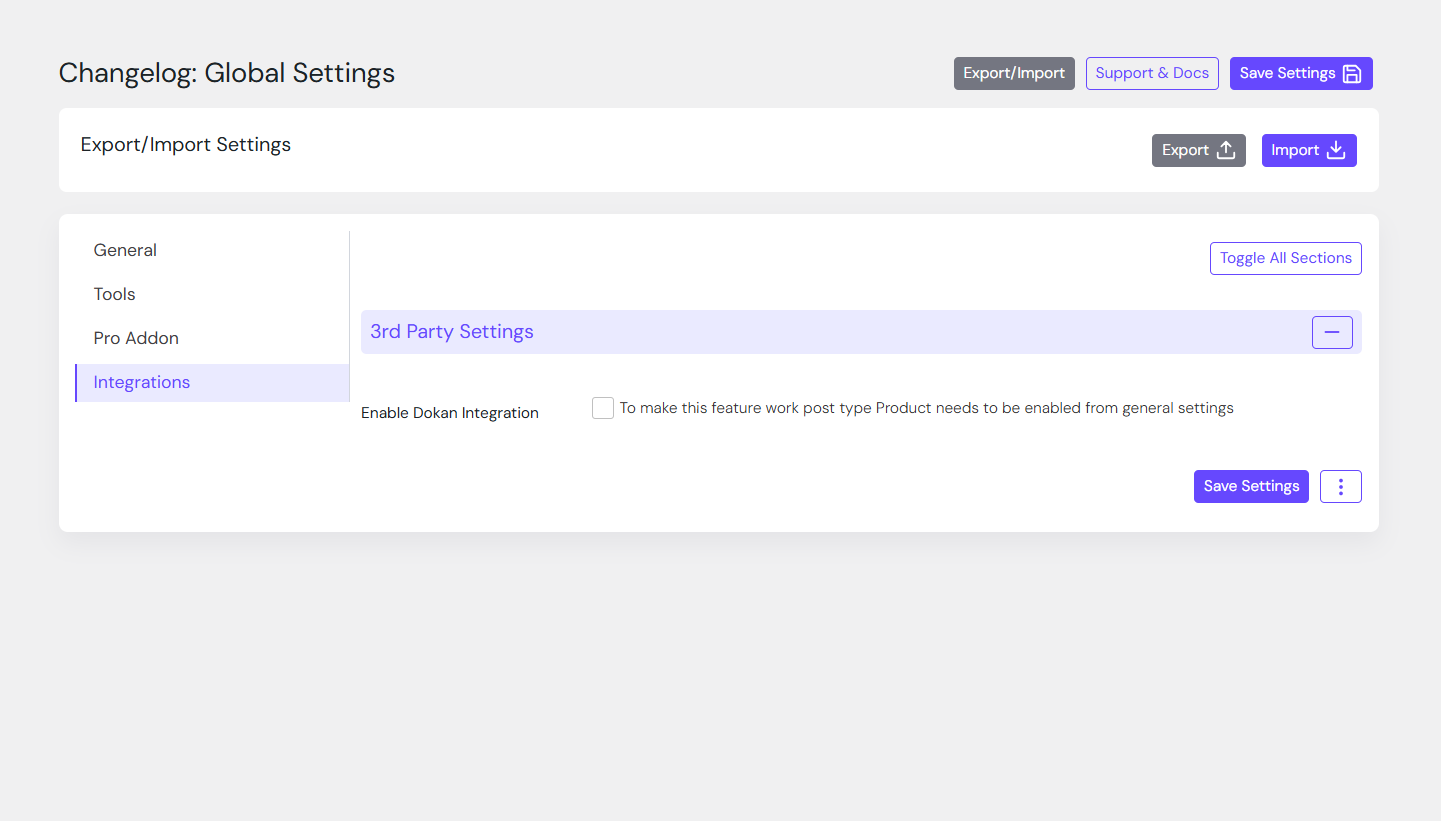
- Export/import all settings or individual setting tabs (since v1.1.1)
- Reset settings for specific tabs (since v1.1.1)
- Import from a WordPress readme.txt file (since v1.1.7)
Skermôfbyldings
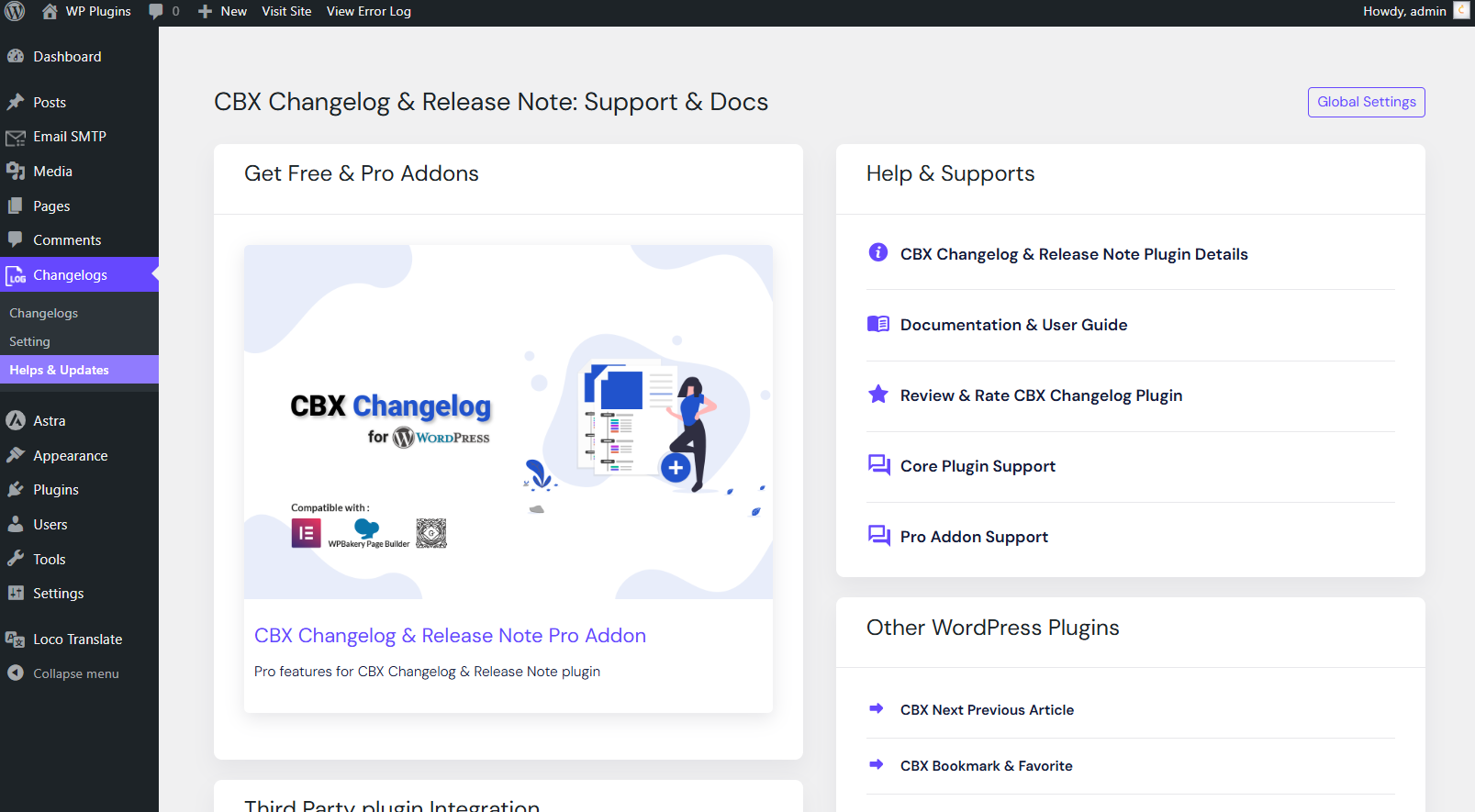
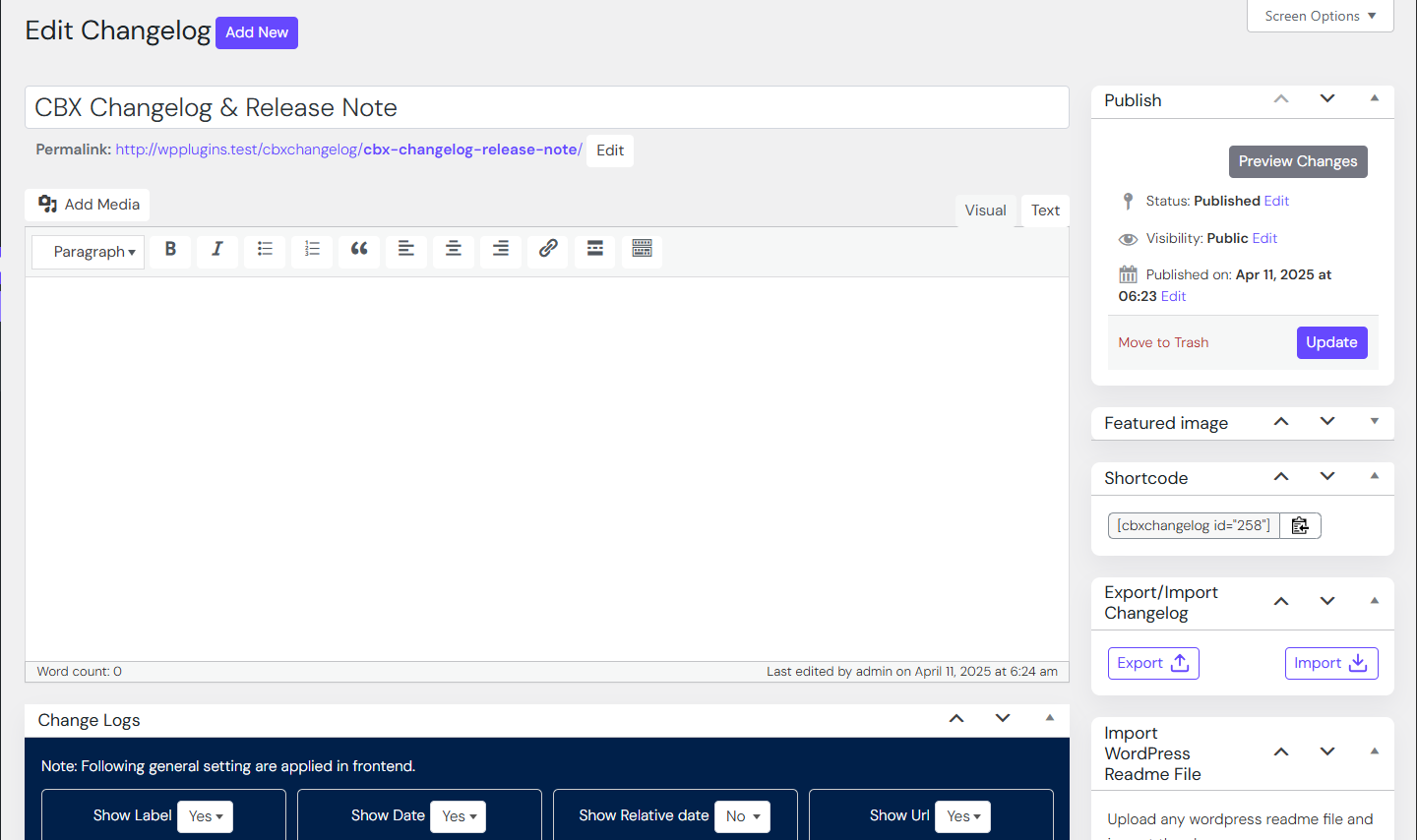
Dashboard view of changelog editor 
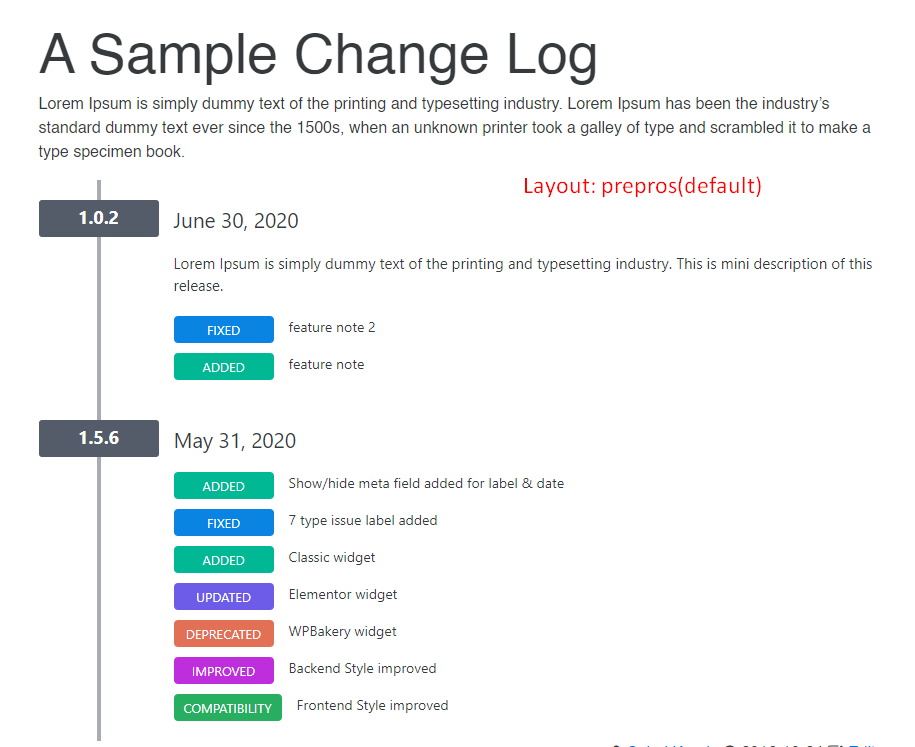
Frontend display of changelogs 
Elementor widget for changelogs 
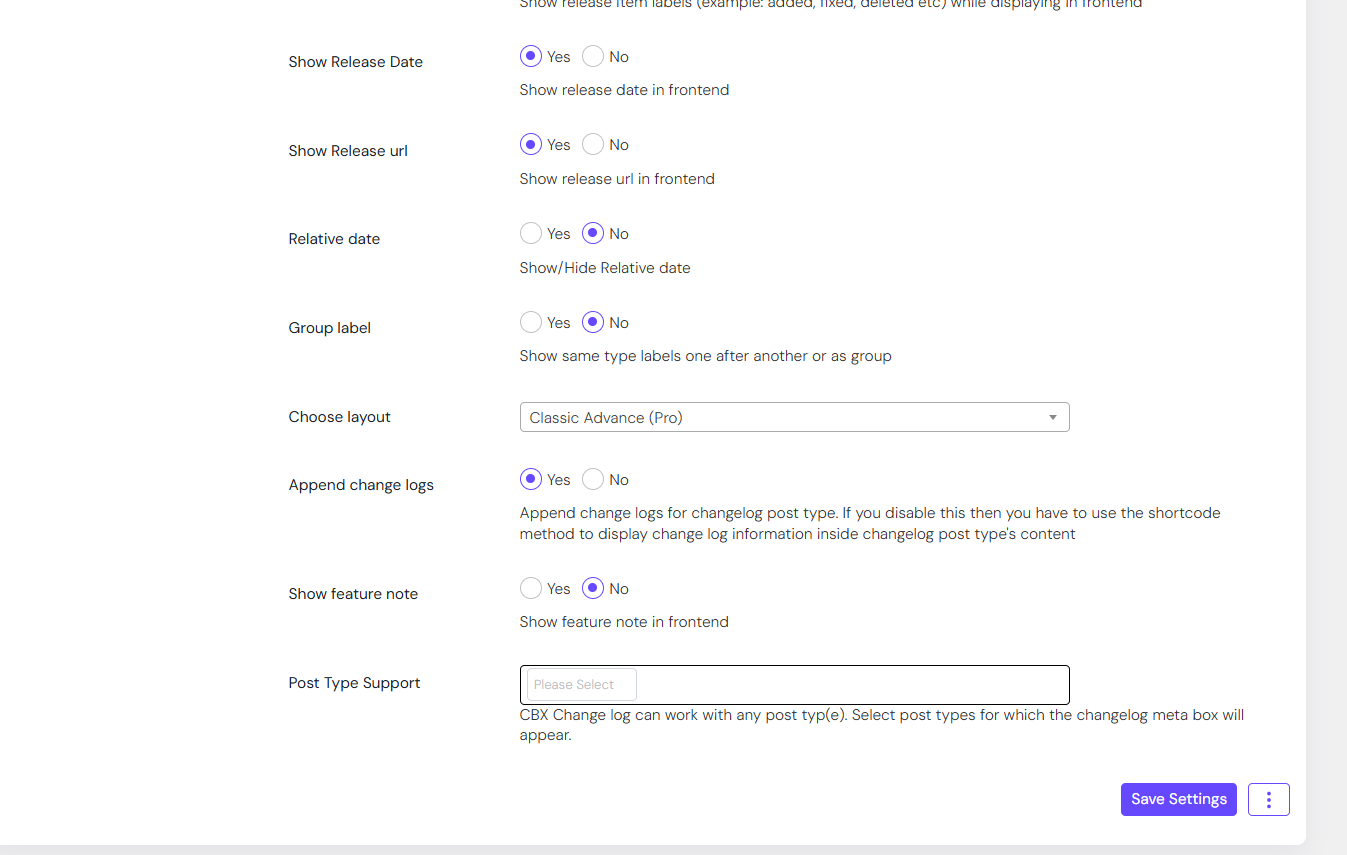
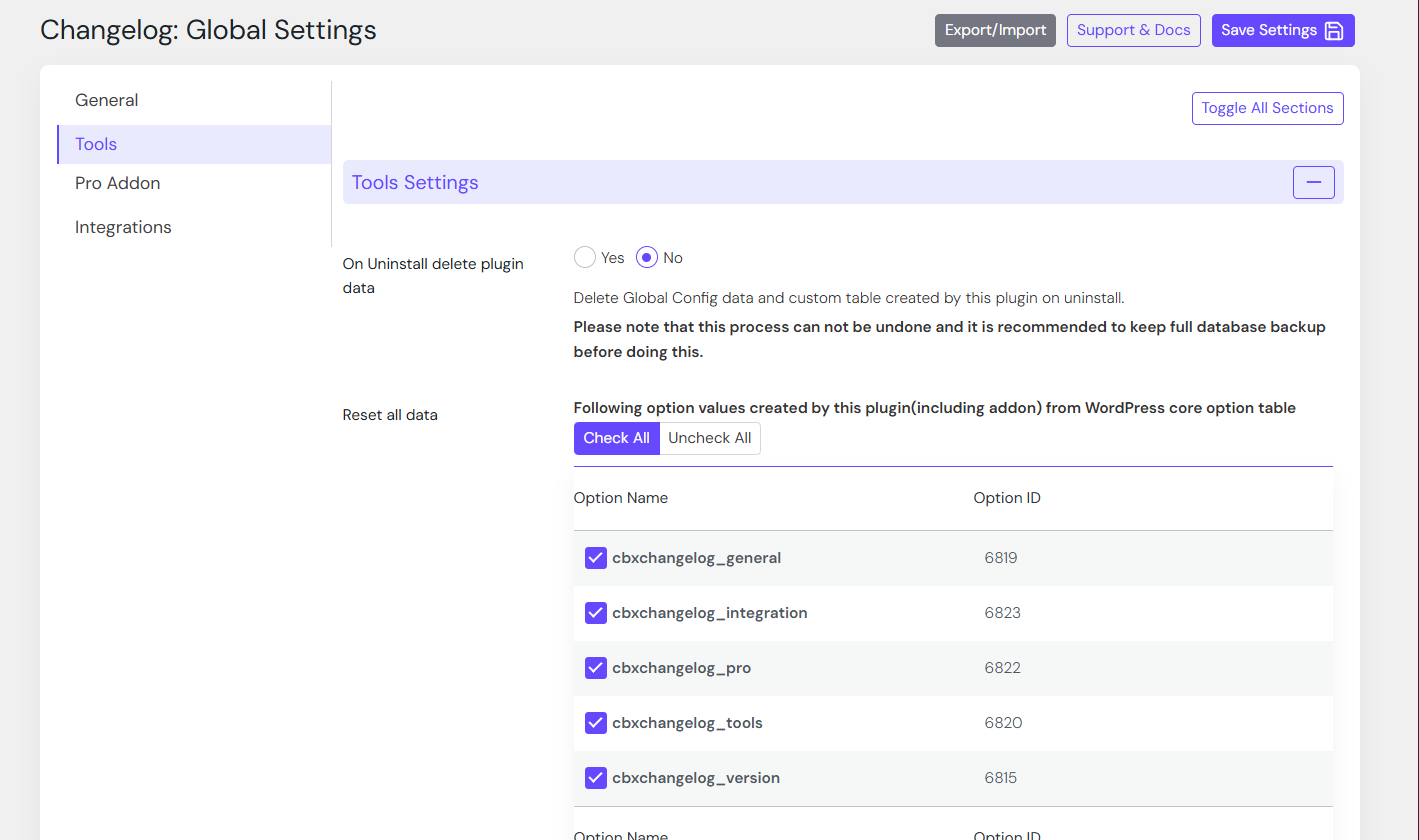
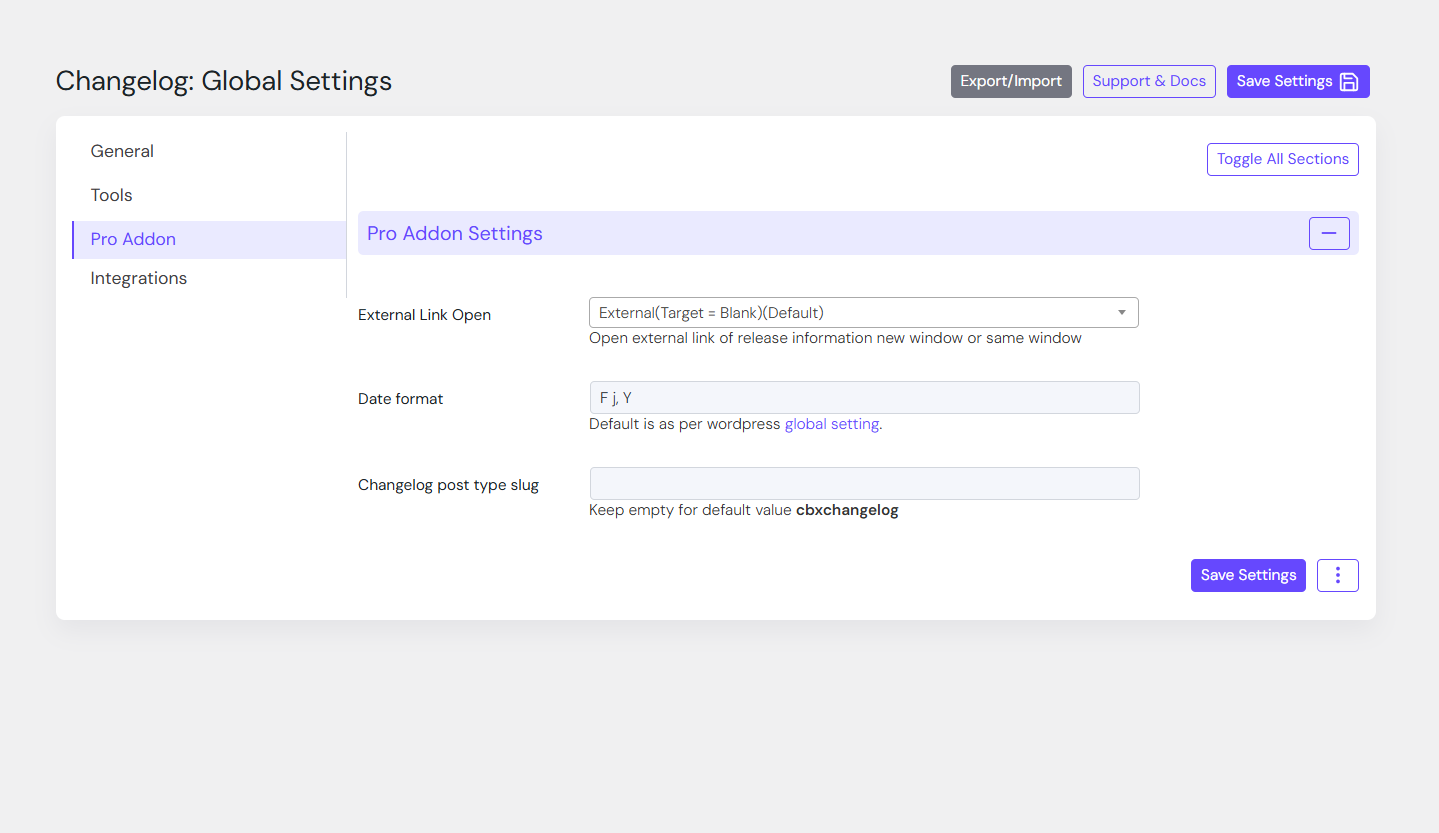
Settings page 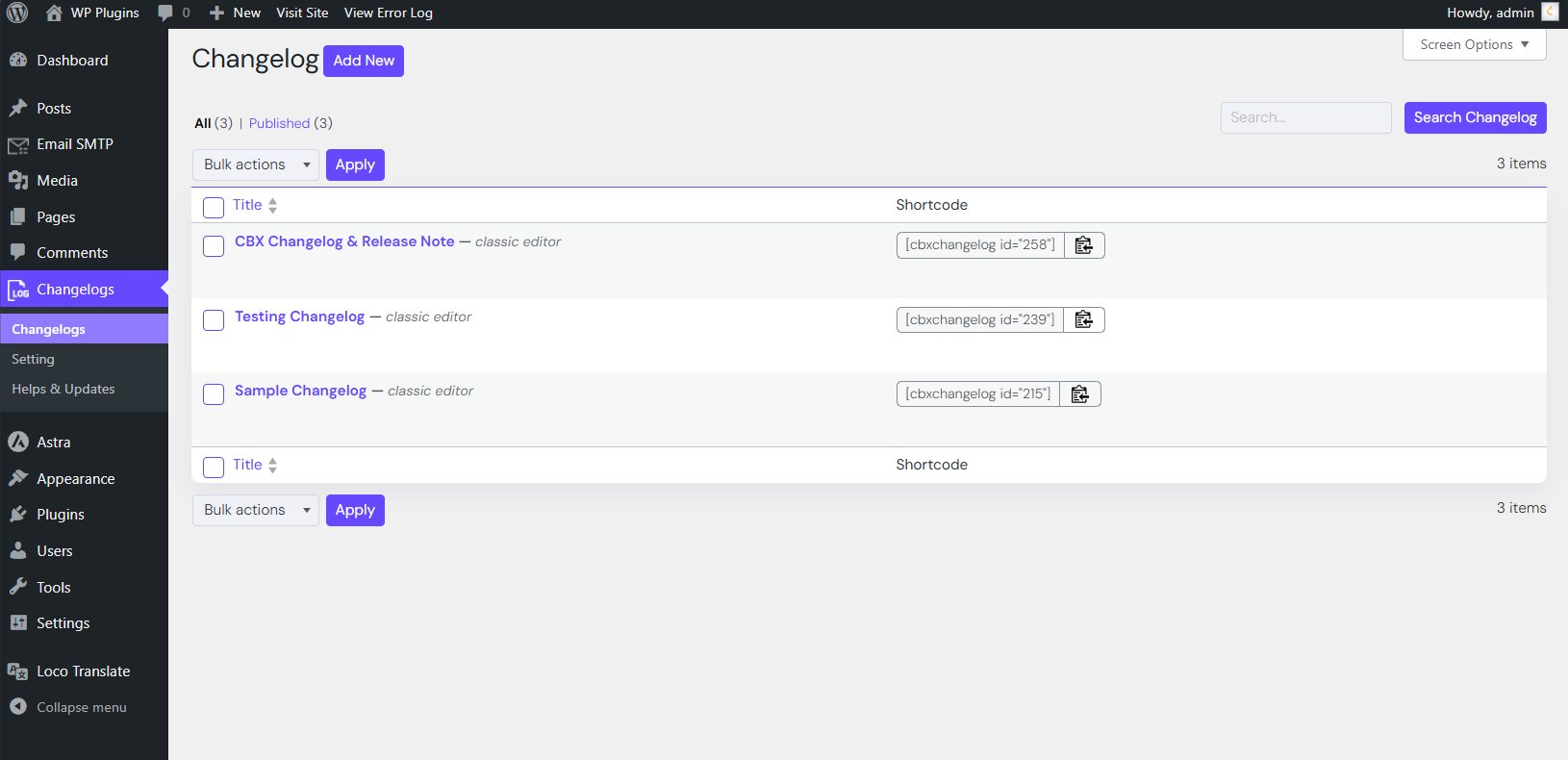
Example of markdown-formatted release note 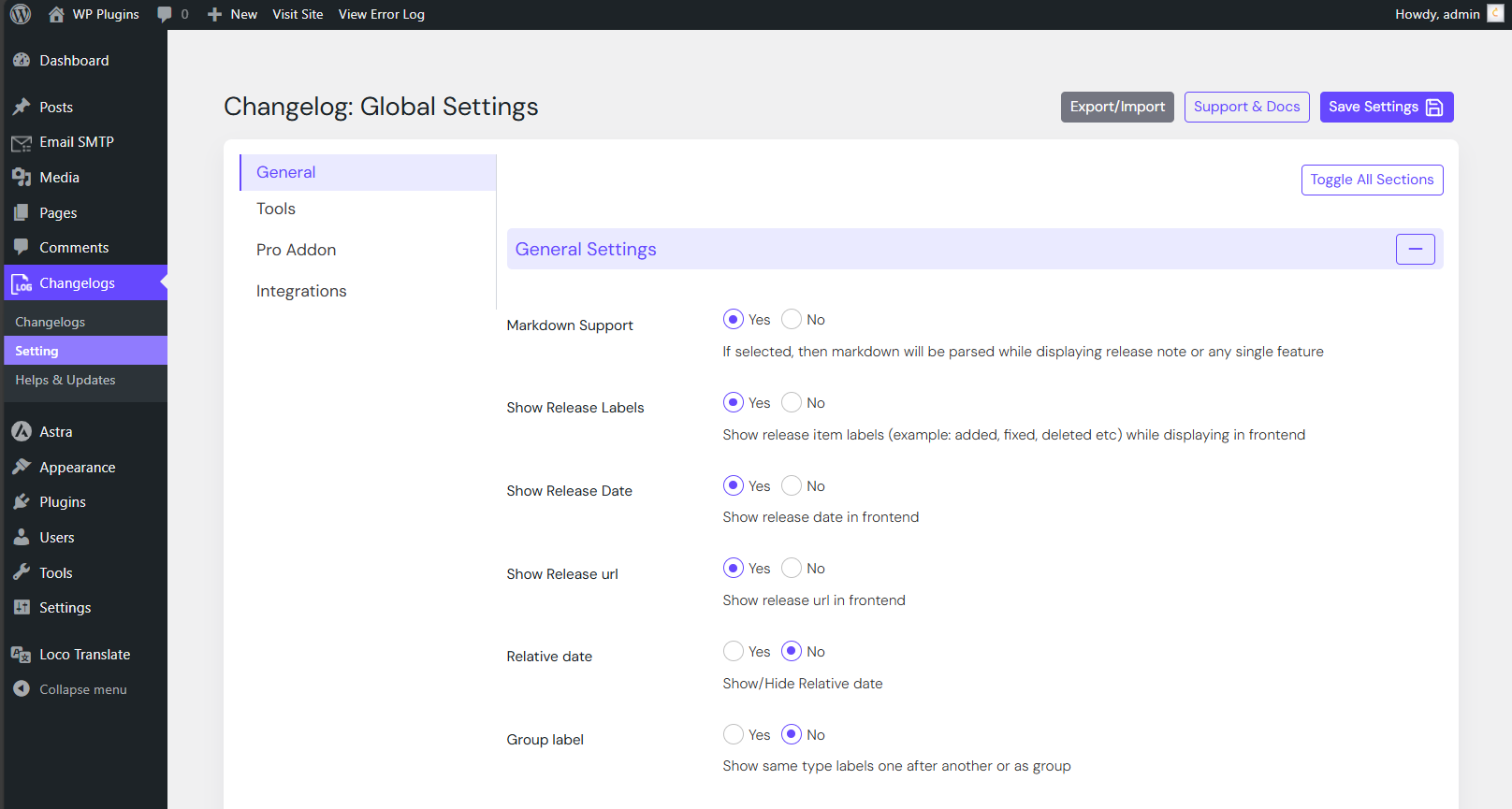

Blokken
Dizze plugin jout 1 blok.
- Codeboxr Cbxchangelog Block
Ynstallaasje
- Upload or install the plugin via Plugins Add New in WordPress.
(See WordPress documentation) - Activate CBX Changelog & Release Note from the “Plugins” menu.
- Go to CBX Changelog & Release Note in the admin menu and configure your settings.
- Create new changelogs and embed them using shortcodes or widgets.
- Try the Pro Addon for advanced features.
FAQ
-
How do I display a changelog?
-
Use the shortcode
[cbxchangelog id="POST_ID"]in any post or page.
To show a specific release, use[cbxchangelog id="POST_ID" release="RELEASE_NUMBER"]. -
Does it support page builders?
-
Yes! CBX Changelog supports Elementor, Gutenberg and classic widgets.
-
Can I import a changelog from my plugin’s readme.txt file?
-
Yes. The Pro Addon supports importing changelog data from WordPress readme files.
-
Is it compatible with WooCommerce?
-
Yes. The Pro Addon adds a “Changelog” tab to WooCommerce products.
Resinsjes


Meiwurkers & amp; Untwikkelders
“CBX Changelog & Release Note” is iepen boarne software. De folgjende minsken hawwe bydroegen oan dizze plugin.
Meiwurkers

Oersette “CBX Changelog & Release Note” yn jo taal.
Ynteressearre yn ûntwikkeling?
Blêdzje troch de koade , besjoch de SVN-repository , of abonnearje op it ûntwikkelingslogboek troch RSS .
Feroaringslog
2.0.11
- [improved] Feature field is made longer for a single change in dashboard area
- [updated] WordPress core 6.9 compatible
- [new] Pro addon plugin 1.2.5 released
- [updated] Plugin Check 1.9.0 compatible
2.0.10
- [updated] Composer and autoload based implementation
- [updated] Core Js vendor library updated
- [updated] Plugin Check 1.7.0 compatible
- [updated] Pro addon less than 1.2.4 will not work with this core plugin
- [new] Need Pro Addon version 1.2.4 or higher
2.0.9
- [Updated] Language file loading optimized for WordPress.org-hosted plugins
- [Updated] PHP version check and plugin loading improved
2.0.8
- [Fixed] PHP compatibility check during plugin load
- [Updated] WordPress 6.8 compatibility confirmed
- [Updated] Pro Addon v1.2.3 released
2.0.7
- [Fixed] Elementor ordering issue (support thread)
- [Updated] WordPress 6.8 compatibility confirmed
- [Updated] Elementor widget icon refreshed
2.0.6
- [Fixed] Display logic bug for feature notes and error messages
2.0.5
- [Fixed] Markdown to HTML multi-line parsing
- [Updated] Pro Addon v1.2.1 released
- [Updated] All shortcodes, widgets, and blocks refreshed
2.0.4
- [Updated] Support page news section
- [Updated] Pro Addon v1.2.0 released
- [Improved] Miscellaneous enhancements
2.0.3
- [Updated] WordPress 6.7.2 compatibility confirmed
- [Updated] Pro Addon v1.1.9 released
- [Improved] Admin UI consistency
- [Updated] Removed extra modifications on non-CBX post types
2.0.1
- [Fixed] Missing method
getPaginatedRows() - [New] Show labels grouped by type
- [Updated] All widgets updated
- [Improved] Helper methods added
2.0.0
- [Fixed] Dashboard saving issue for single changelog
- [New] Added “Resync Release Number” features (top-to-bottom and reverse)
- [New] Bulk delete all releases from the dashboard
1.1.10
- [Fixed] Changelog saving order issue from edit screen
1.1.9
- [New] Added
countparameter in shortcode (0= all changelogs) - [Updated] Dashboard now supports “Add changelog at top/bottom” buttons
- [Updated] Widgets updated for
countparameter
1.1.8
- [Fixed] Dashboard autosave “Connection lost” error
1.1.7
- [Fixed] Order issue in changelog edit screen
- [New] Added
order_by="id"parameter (release ID based ordering)
1.1.6
- [New] Redesigned dashboard
- [Updated] Plugin check v1.3.1 compatibility
- [Updated] WordPress 6.7.1 compatibility
- [New] SVG icons added
1.1.5
- [New] Changelog dates now use WordPress date translation (
date_i18n)
1.1.4
- [Updated] Uninstall process now fully cleans plugin data
1.1.3
- [Updated] Settings field library optimized for single and multi-select