
Beskriuwing
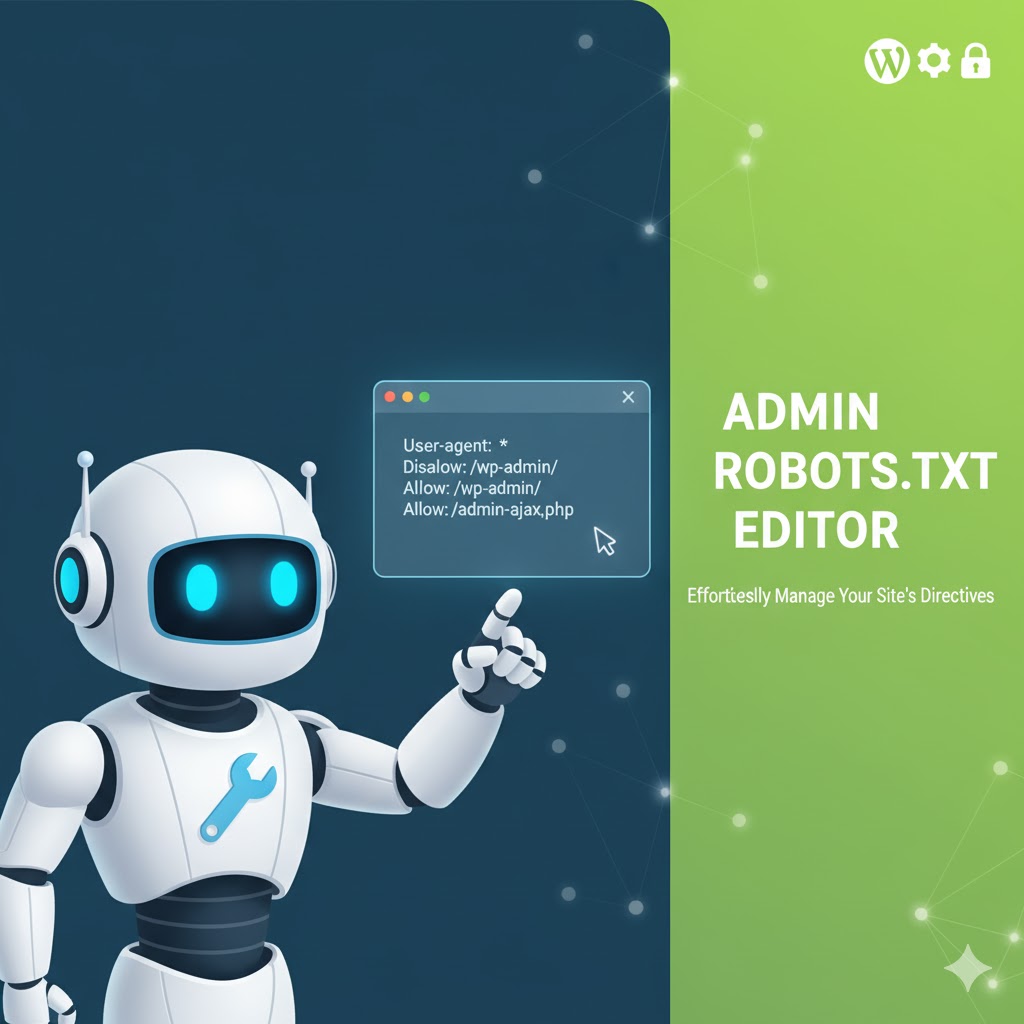
Admin Robots.txt Editor automatically creates a default robots.txt file (if missing) and provides a user-friendly interface to edit it from the WordPress dashboard.
Features:
- Automatically generates
robots.txtwith default SEO-friendly rules - Simple admin panel to view and edit contents
- Option to reset to default content
- Fully editable using a WordPress textarea field
- No need for FTP or file access
- Uses the official
robots_txthook (recommended by WordPress.org)
Skermôfbyldings

Admin editor interface
Ynstallaasje
- Upload the plugin files to
/wp-content/plugins/admin-robots-txt-editor/, or install it via the WordPress Plugins screen. - Activate the plugin through the ‘Plugins’ screen in WordPress.
- Go to Settings > Robots-txt to edit the file.
FAQ
-
What if the robots.txt file already exists?
-
The plugin uses the WordPress
robots_txtfilter and does not directly overwrite your physical file. -
Does it require a sitemap plugin?
-
No, but it automatically references your default sitemap if one exists (like from Yoast or RankMath).
-
Where can I find the robots.txt editor?
-
In the WordPress admin under Settings > Robots-txt, or directly in the sidebar as “Robots-txt”.
Resinsjes

7 jannewaris, 2026
Editing robots.txt has never been easier. Lightweight, intuitive, and works flawlessly every time. Highly recommended!

7 jannewaris, 2026
This plugin makes editing the robots.txt file a breeze. Clean UI, no fuss — perfect for beginners and pros alike. Works exactly as expected!
Meiwurkers & amp; Untwikkelders
“Admin Robots.txt Editor” is iepen boarne software. De folgjende minsken hawwe bydroegen oan dizze plugin.
Meiwurkers
Oersette “Admin Robots.txt Editor” yn jo taal.
Ynteressearre yn ûntwikkeling?
Blêdzje troch de koade , besjoch de SVN-repository , of abonnearje op it ûntwikkelingslogboek troch RSS .
Feroaringslog
1.0
- Initial release