
Beskriuwing
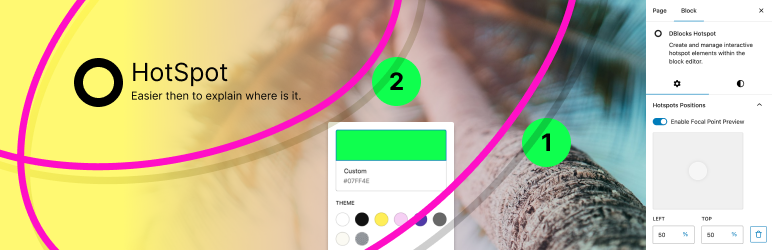
Description: DBlocks Hotspot is a WordPress plugin that allows users to create and manage interactive hotspot elements within the block editor.
Key Features:
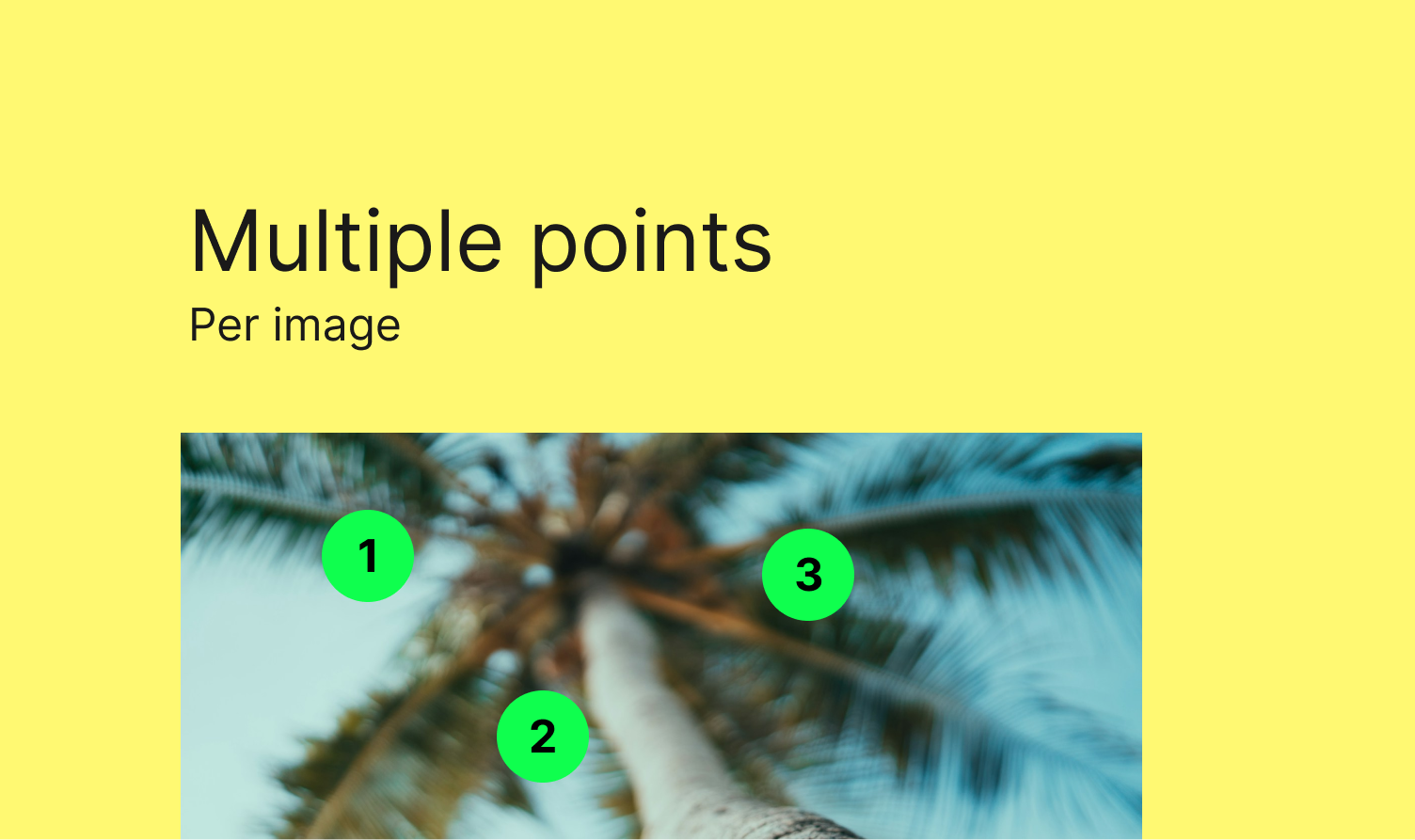
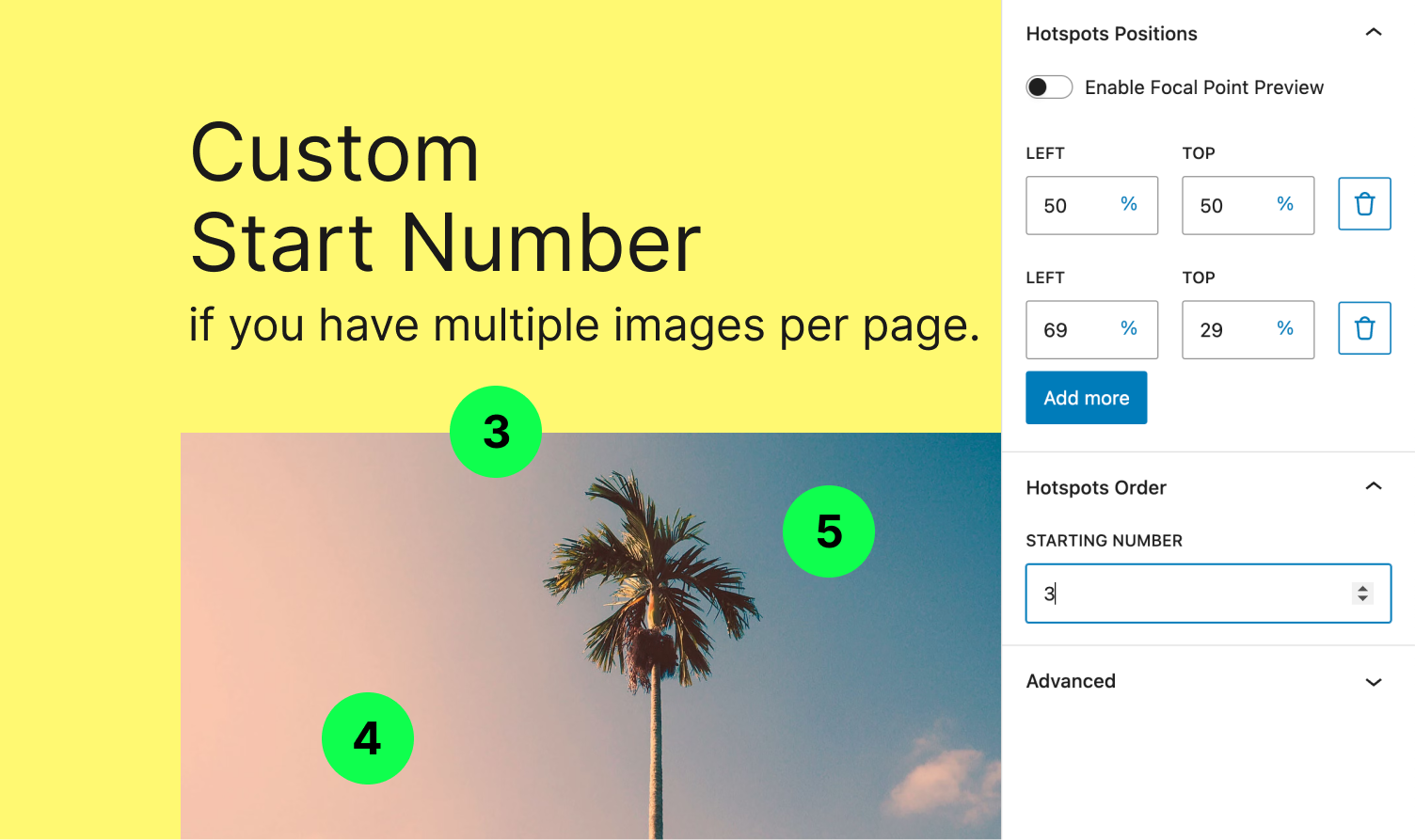
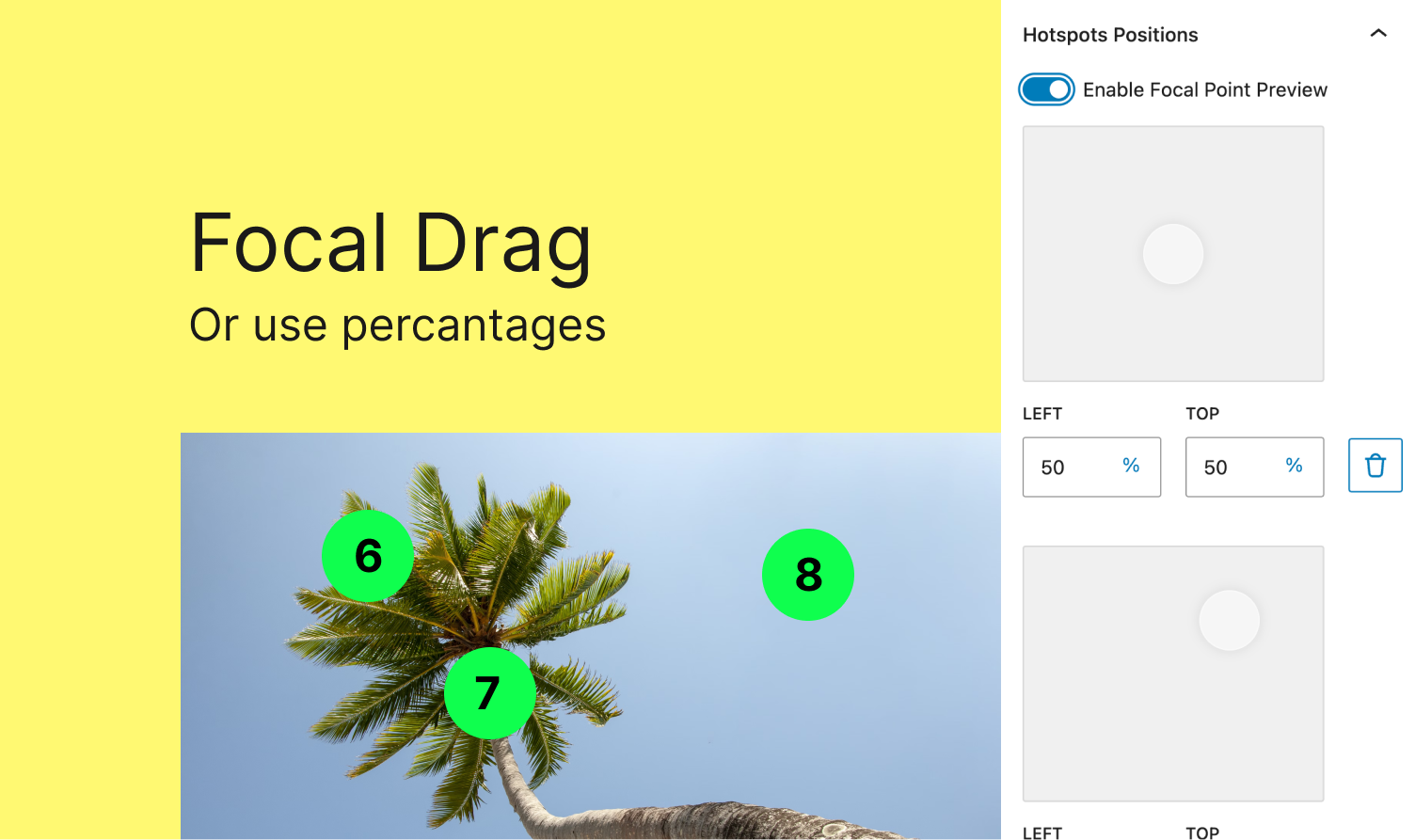
Interactive Hotspots: Easily add, delete, and drag hotspot markers.
Customizable Appearance: Supports various styling options for hotspots.
Global Styles Integration: Adapts to the site’s overall design.
User-Friendly Interface: Simple management of hotspot positions and settings.
Installation: Upload to /wp-content/plugins/dblocks-hotspot or install via the WordPress plugins screen. After activation, the block is ready for use in the editor.
Arbitrary section
You may provide arbitrary sections, in the same format as the ones above. This may be of use for extremely complicated
plugins where more information needs to be conveyed that doesn’t fit into the categories of “description” or
“installation.” Arbitrary sections will be shown below the built-in sections outlined above.
Skermôfbyldings
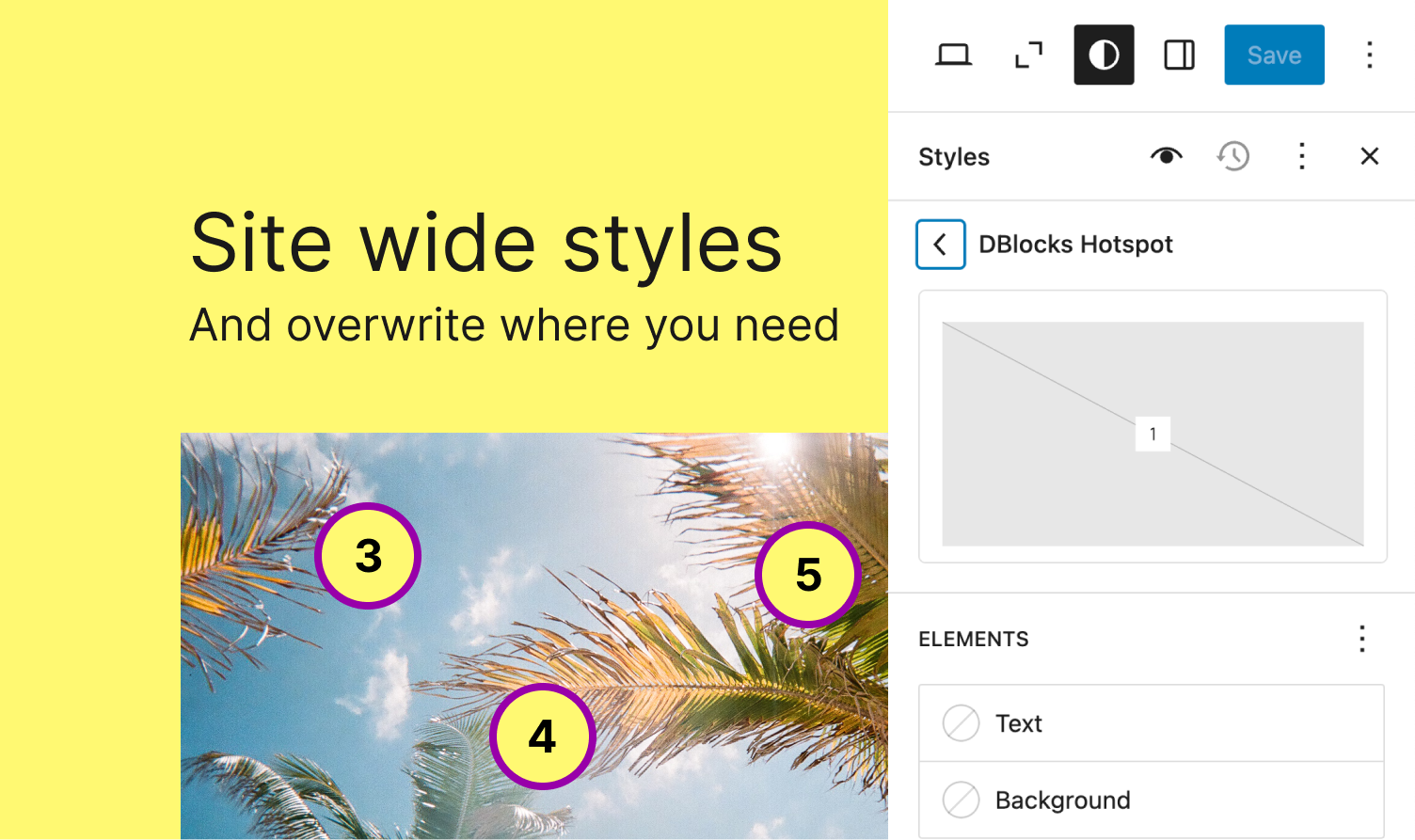
Blokken
Dizze plugin jout 1 blok.
- DBlocks Hotspot Create and manage interactive hotspot elements within the block editor.
Ynstallaasje
This section describes how to install the plugin and get it working.
e.g.
- Upload the plugin files to the
/wp-content/plugins/focaldirectory, or install the plugin through the WordPress plugins screen directly. - Activate the plugin through the ‘Plugins’ screen in WordPress
Resinsjes
D’r binne gjin resinsjes foar dizze plugin.
Meiwurkers & amp; Untwikkelders
“DBlocks Hotspot” is iepen boarne software. De folgjende minsken hawwe bydroegen oan dizze plugin.
Meiwurkers
Oersette “DBlocks Hotspot” yn jo taal.
Ynteressearre yn ûntwikkeling?
Blêdzje troch de koade , besjoch de SVN-repository , of abonnearje op it ûntwikkelingslogboek troch RSS .
Feroaringslog
1.0.3
- Bump test
1.0.2
- Bump test
1.0.1
- Assets update
1.0.0
- Release