
Beskriuwing
CodePen is an online code editor for front-end development. You build things (we call them Pens) with HTML, CSS, and JavaScript, and the languages and libraries that go along with those. Any Pen can be embedded on another site, making them useful for blog posts, documentation, forums, etc.
This block makes it easy to embed them. While oEmbed (just paste in a Pen URL!) also works for CodePen embeds in the block editor, this plugin allows for much more control, like setting the the height, theme, and default tabs.
Skermôfbyldings
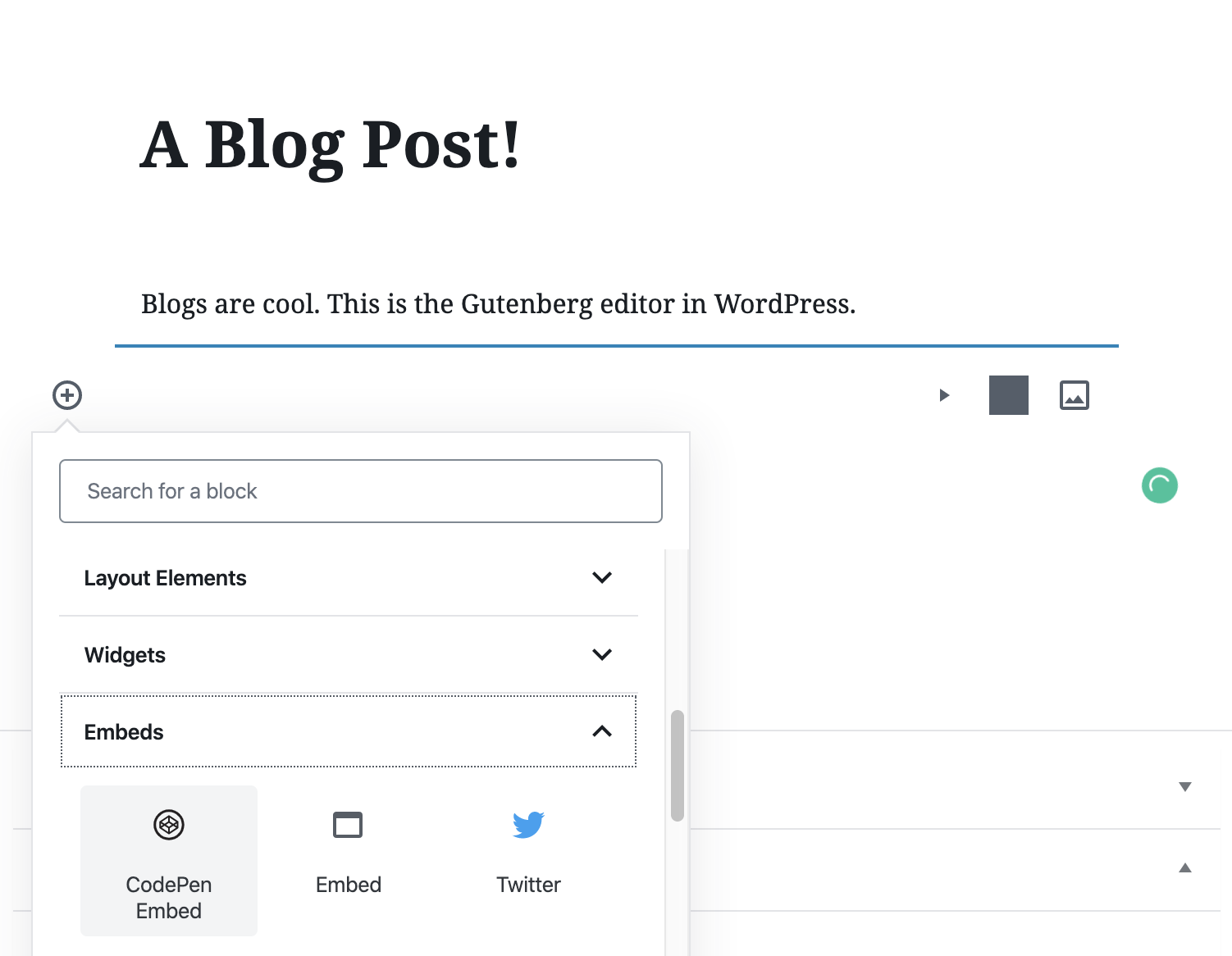

Blokken
Dizze plugin jout 1 blok.
- CodePen Embed Embeds CodePen pens
Ynstallaasje
Install from the WordPress Plugin Directory.
FAQ
-
Why is this useful?
-
It’s helpful for embedding Pens you build (or others have built) on CodePen on your own WordPress site.
Resinsjes


Meiwurkers & amp; Untwikkelders
“CodePen Embed Block” is iepen boarne software. De folgjende minsken hawwe bydroegen oan dizze plugin.
Meiwurkers

“CodePen Embed Block” is oerset yn 2 lokaasjes. Tank oan de oersetters foar harren bydragen.
Oersette “CodePen Embed Block” yn jo taal.
Ynteressearre yn ûntwikkeling?
Blêdzje troch de koade , besjoch de SVN-repository , of abonnearje op it ûntwikkelingslogboek troch RSS .
Feroaringslog
1.0
- Initial release
1.0.2
- Added editable option
1.0.3
- Tested up to WordPress 6.3.1
1.1.0
- Added new setting for default theme ID
1.2.0
- Rewritten using @wordpress/blocks builder
- Update RegEx to support 2.0 editor URLs
1.2.1
- Sanitize and escape the default theme ID setting to prevent stored cross-site scripting.